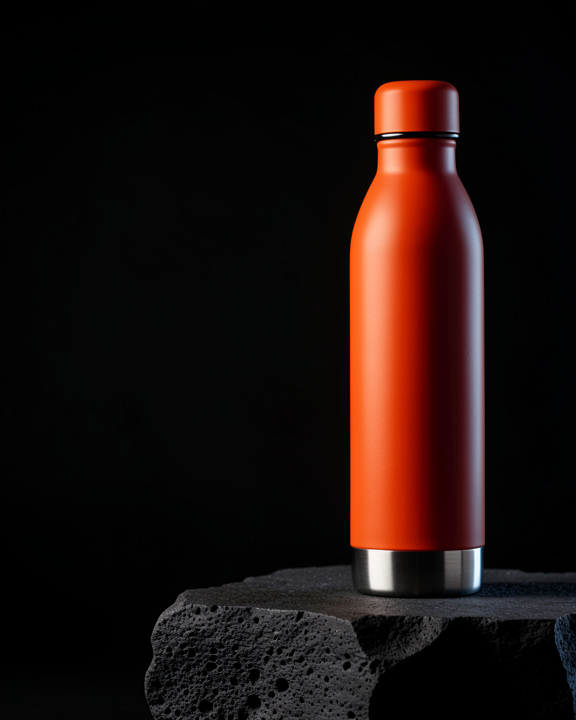
01 / Product / One object, three worlds
FORM / FIELD
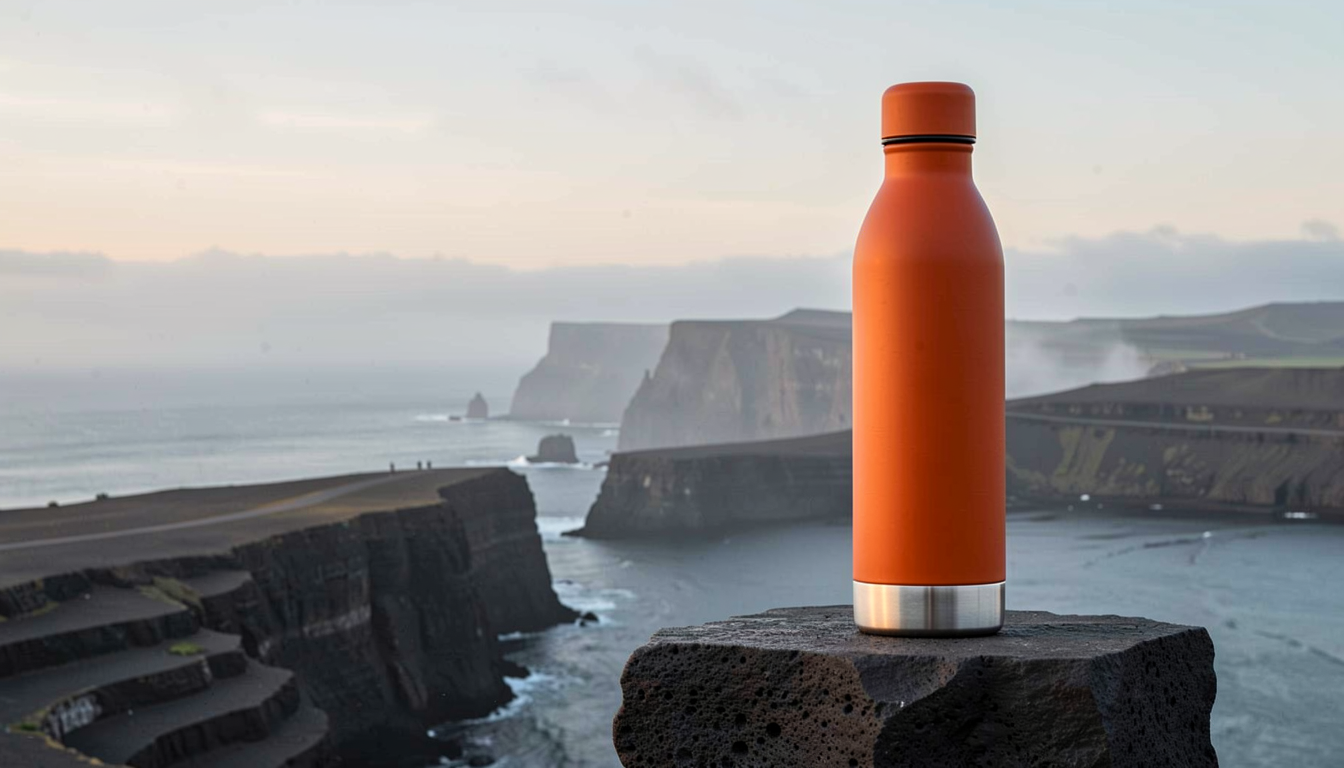
A single orange bottle. From volcanic coast to glass, mist and motion.
Explore the complete campaignLocal AI installation for Australian creative teams
Custom PCs, multi-GPU servers and compact machines. Built, installed and ready for your team’s creative work.

Generated on our local machines.
Directed and edited by Brightwork.
From one creative desk to a whole studio: custom PCs, multi-GPU servers and mini PCs, with local AI workflows installed around the work you do. Four creative workflows and training videos get your team started.
Selected concepts / Five creative directions
Product, place, sound and material. Five fictional projects made to explore what a local creative setup can do.
A single orange bottle. From volcanic coast to glass, mist and motion.
Explore the complete campaign
A quieter kind of luxury. Frosted glass, warm stone and morning light.
Explore the full campaign
An imagined coastal retreat, caught between the last light and the first lamps.
Explore the full campaign
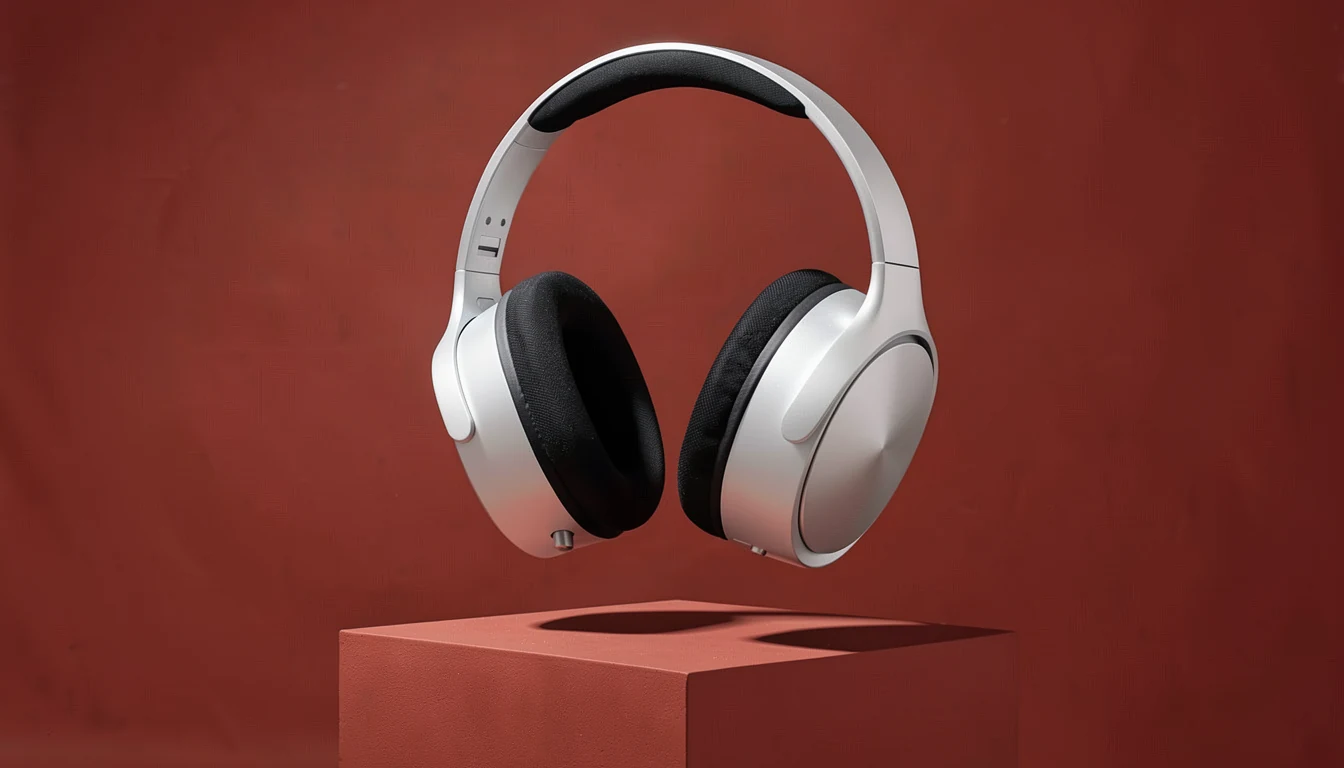
Sound, given a physical form. Precision metal against a saturated red stage.
Explore the full campaign
A study in tension: folded metal, translucent colour and impossible softness.
Explore the full campaignBrightwork fictional demonstrations — not client commissions. Images generated locally; campaign names and layout added separately. Swipe, scroll sideways or choose a dot.
Who it’s for
The teams we set up local AI for, and the work each setup produces. Every image here was made on our own machines.
Campaign concepts, key visuals and pitch imagery.

Brand worlds, packaging scenes and launch imagery.
Weekly asset sets, vertical cuts and short motion.
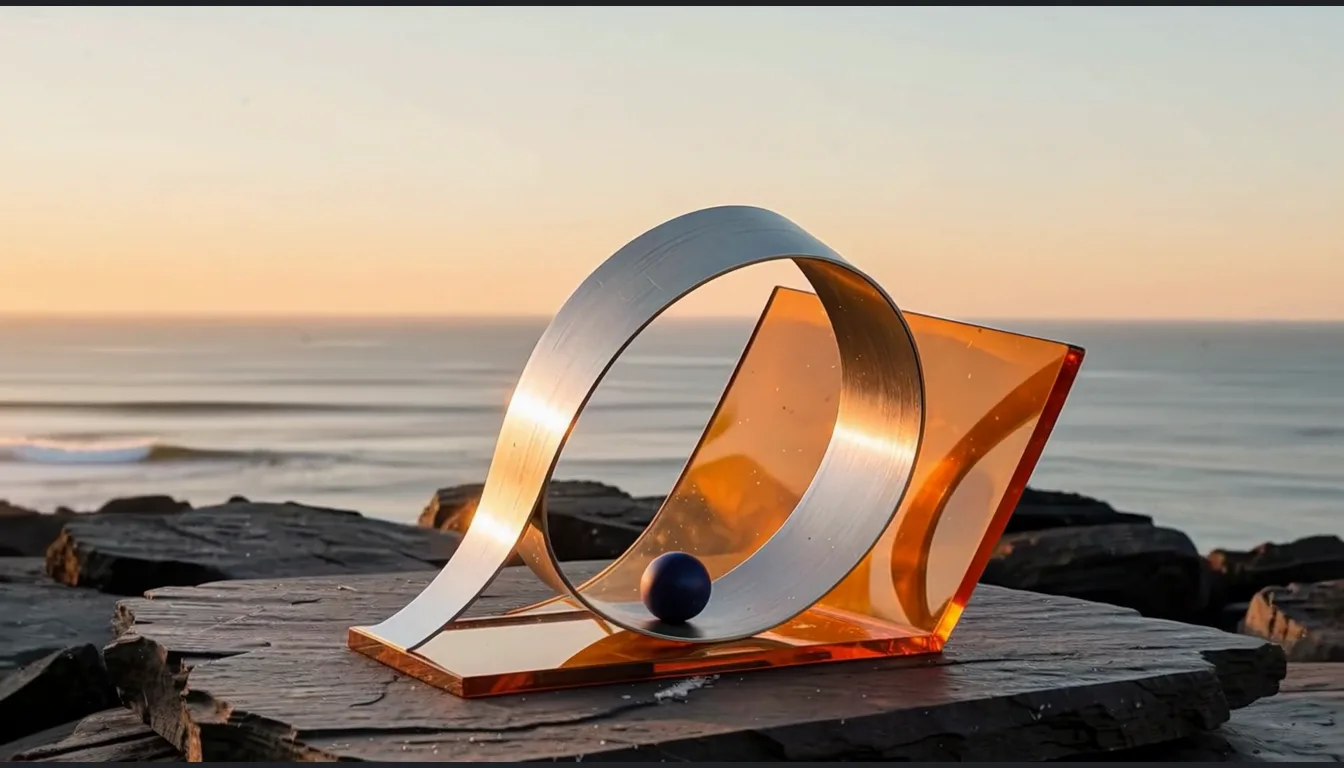
Image-to-video shots, animatics and backgrounds.
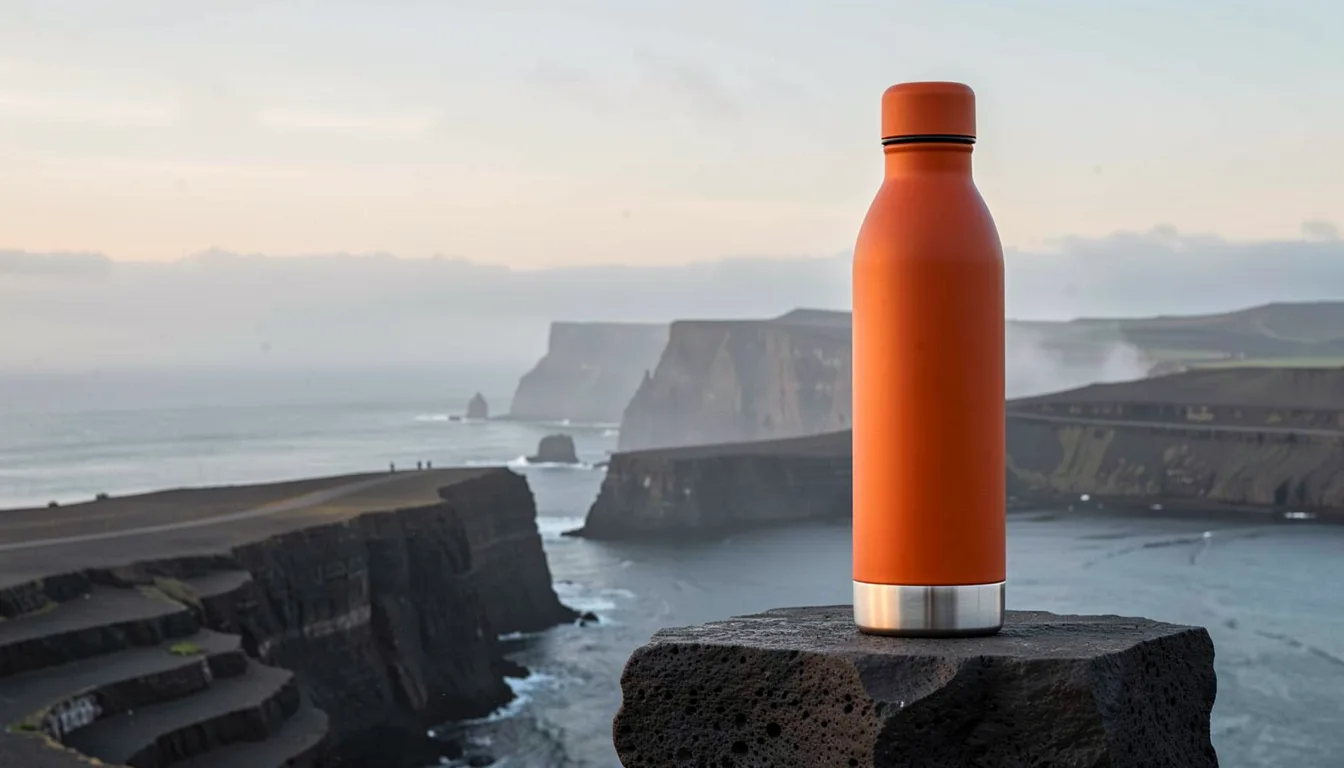
Product shots, seasonal campaigns and web banners.
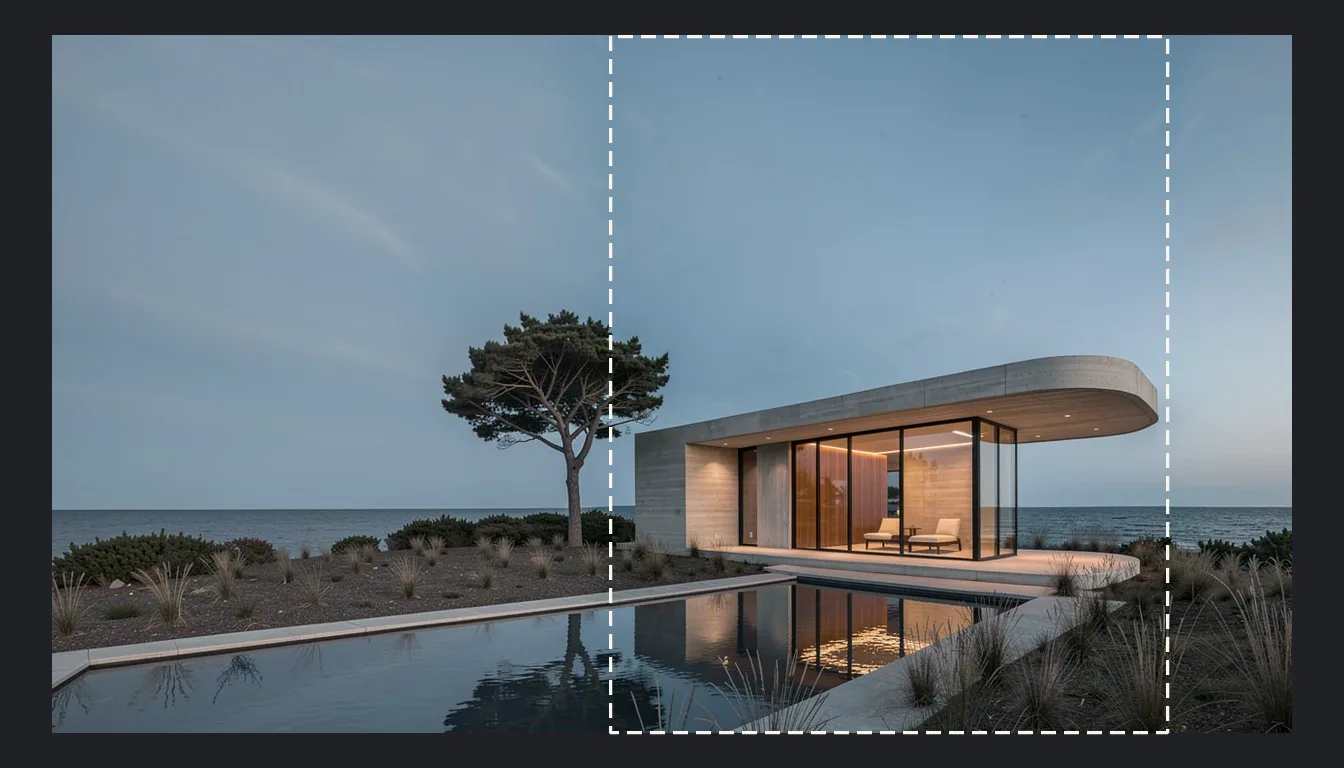
Set extensions and wider frames for existing shots.
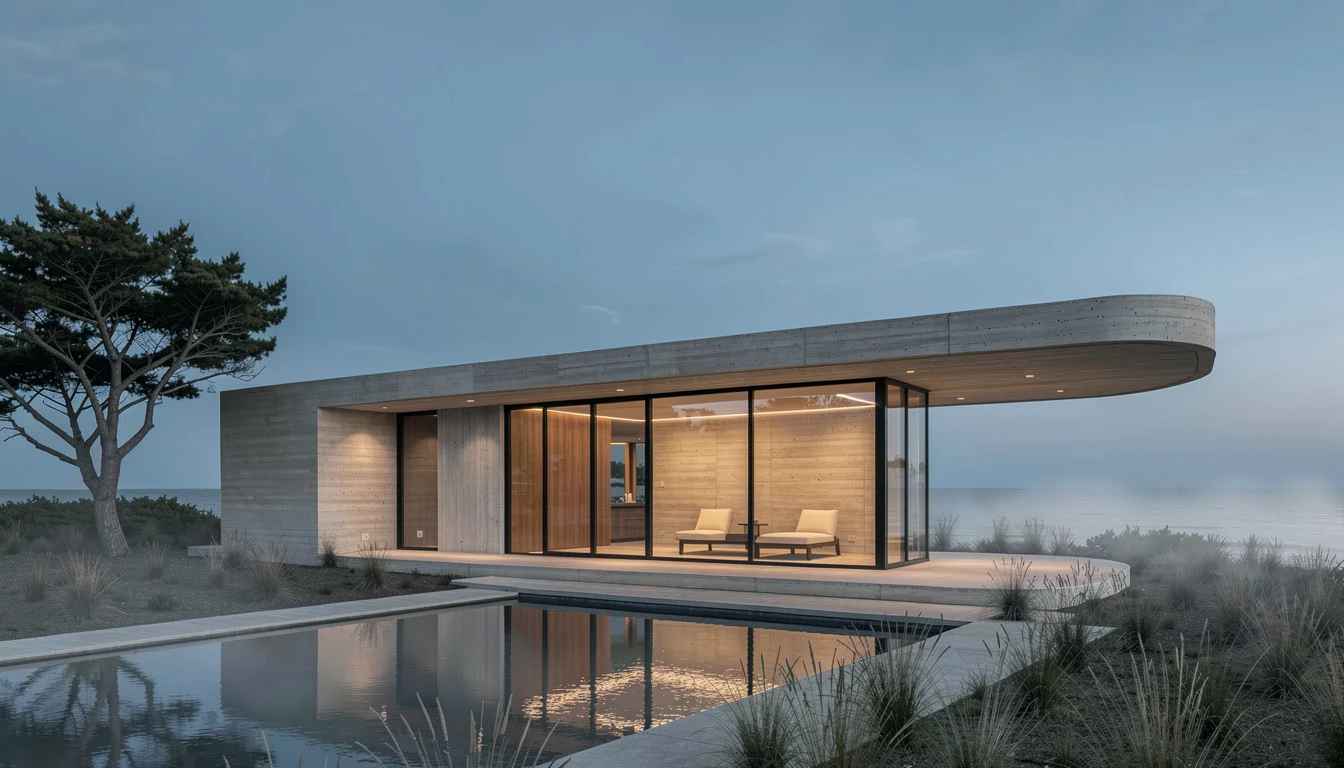
Atmosphere and mood images around a concept.
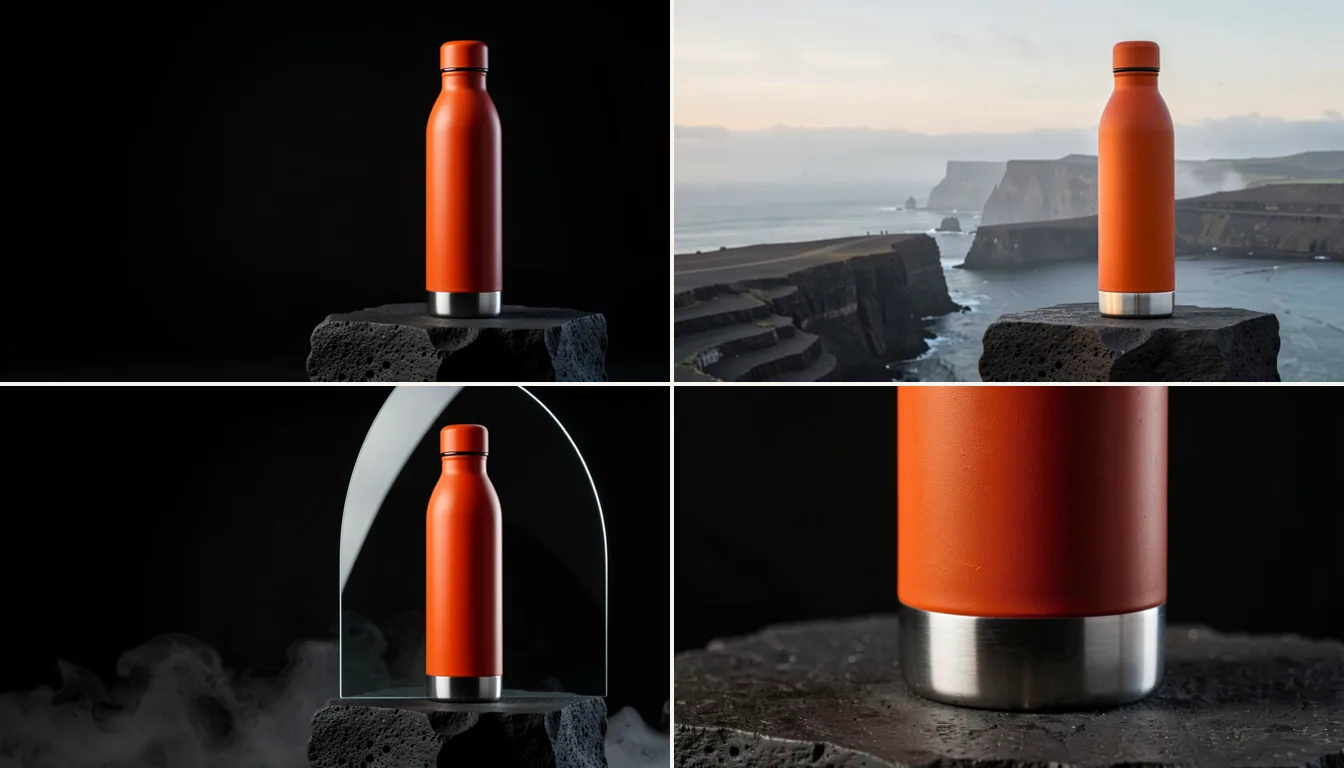
One product in many settings, for listings and ads.
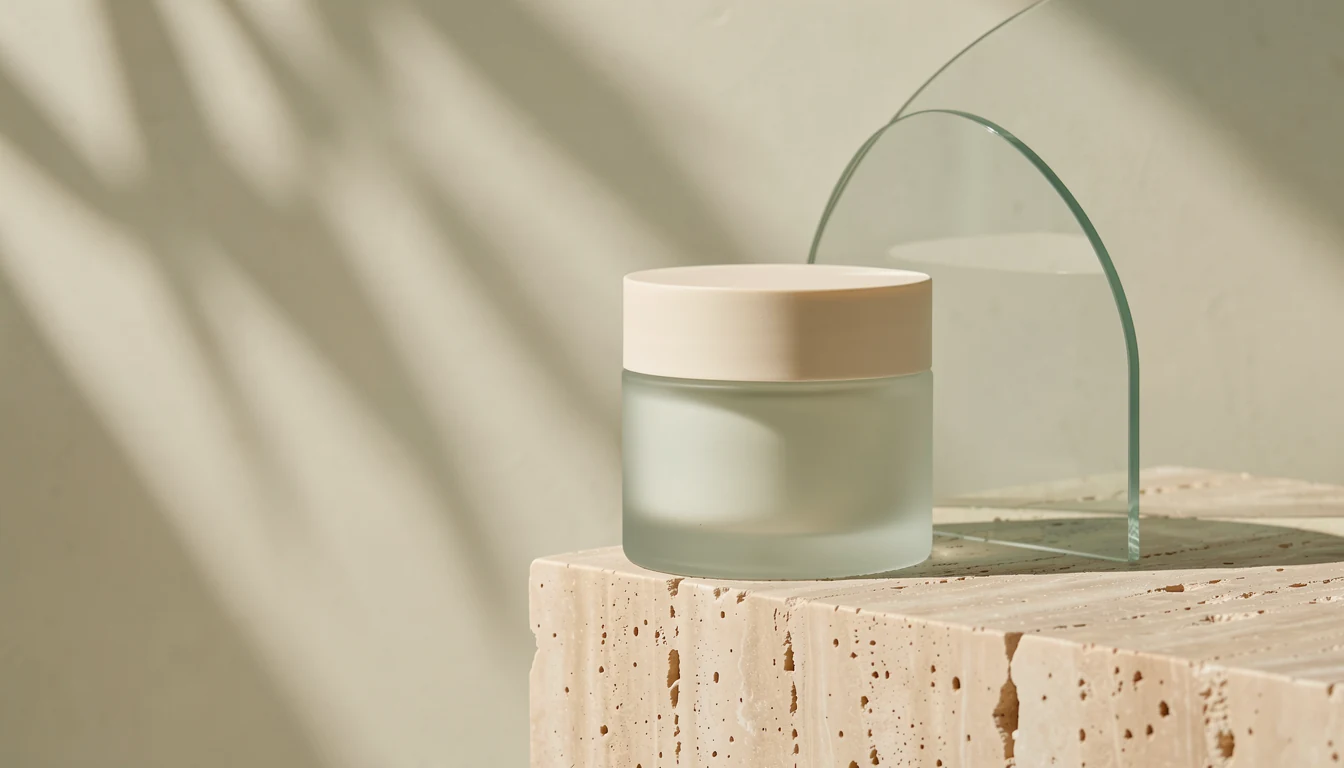
New campaign images from a brief or a reference.
See it on this page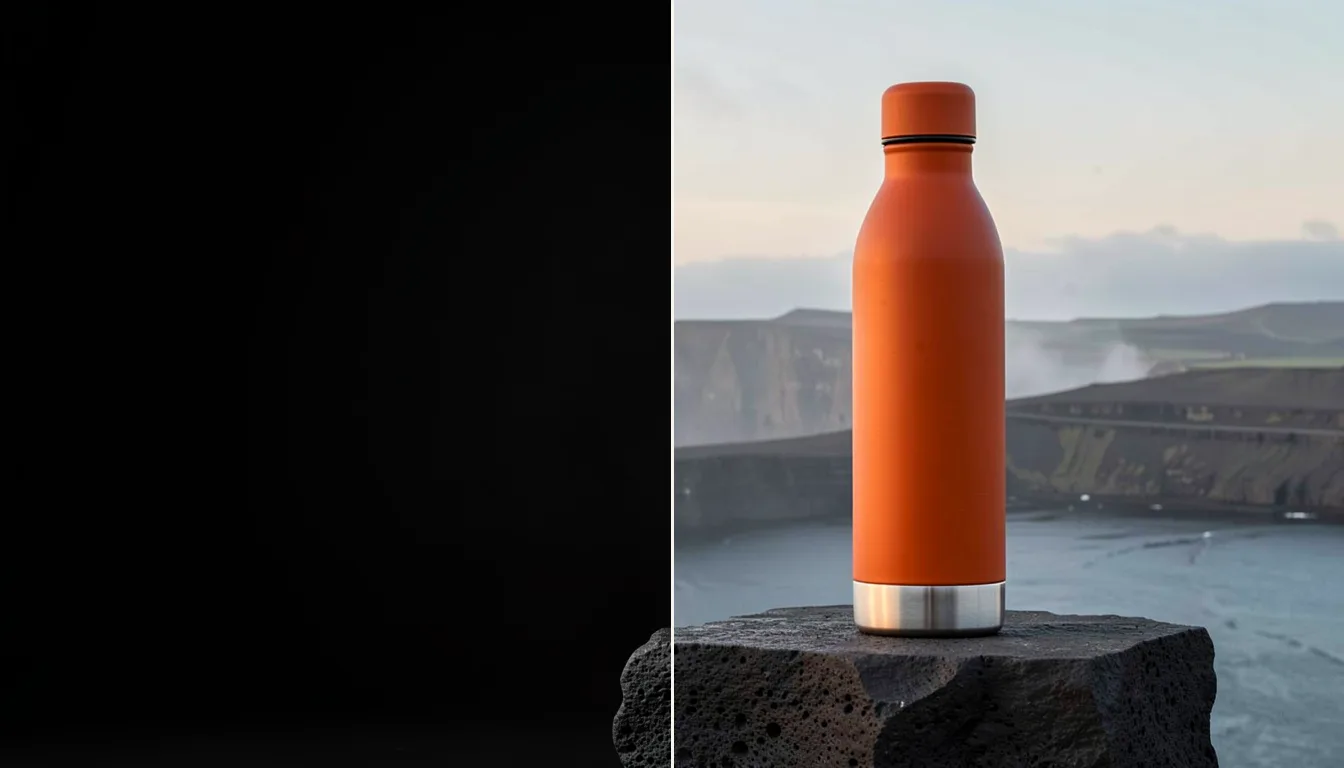
Keep the product, change the scene. Left: the original. Right: the edit.
See it on this page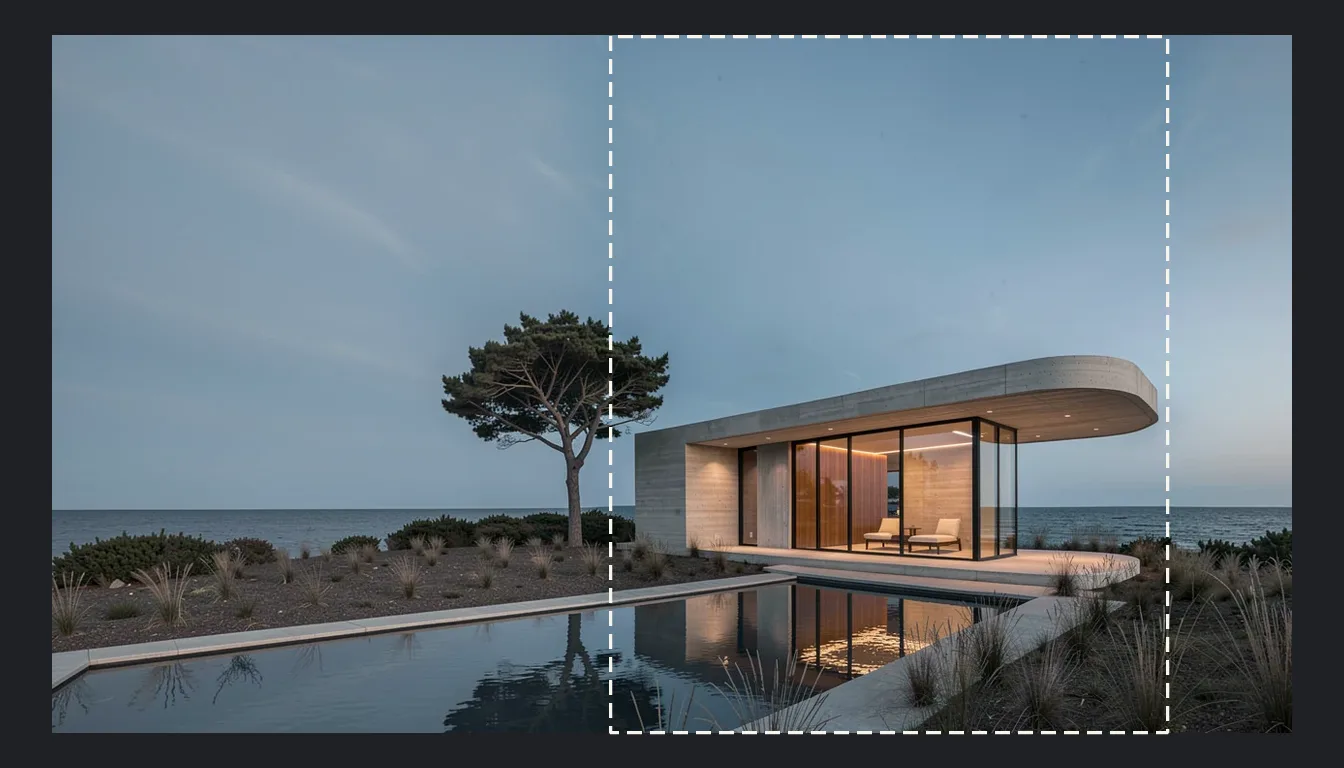
Expand a 4:5 image to 16:9. The dashed box is the original frame.
See it on this page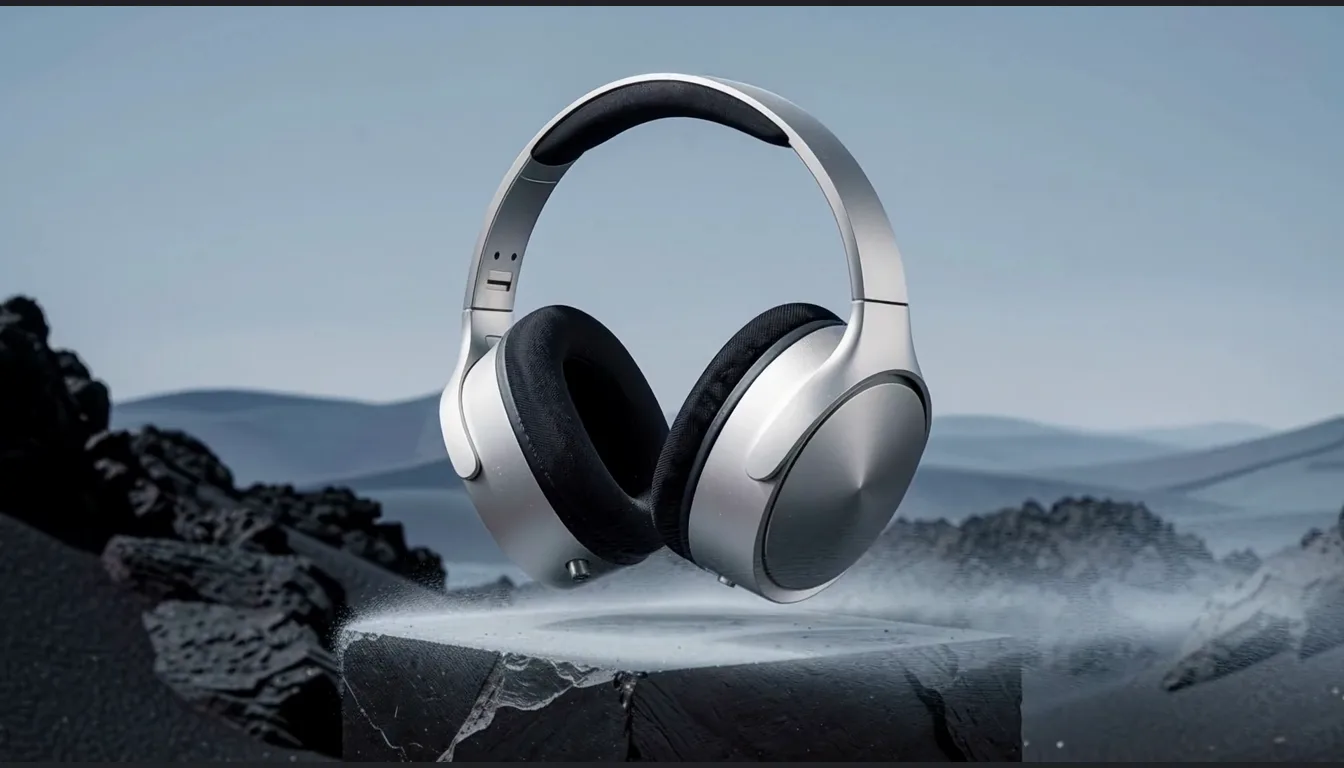
Turn a still into a short shot your editor can build on.
See it on this page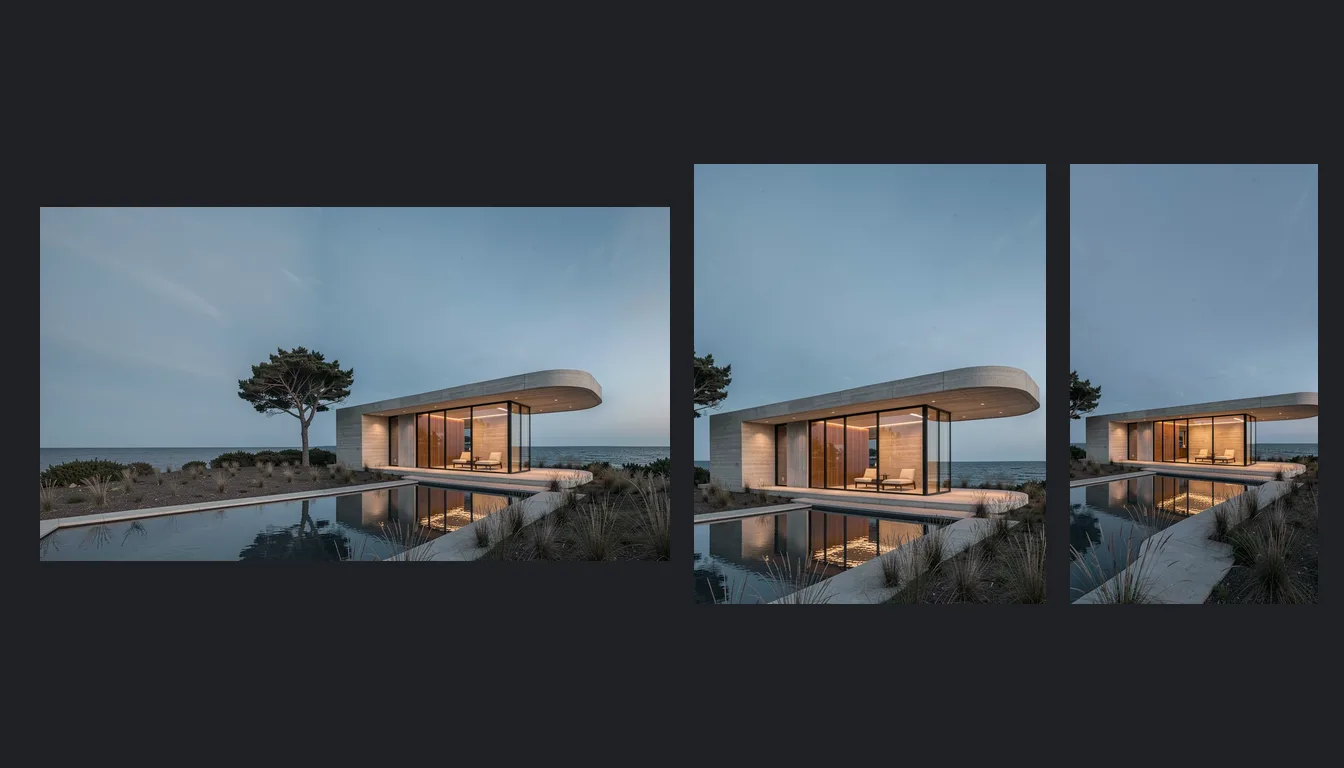
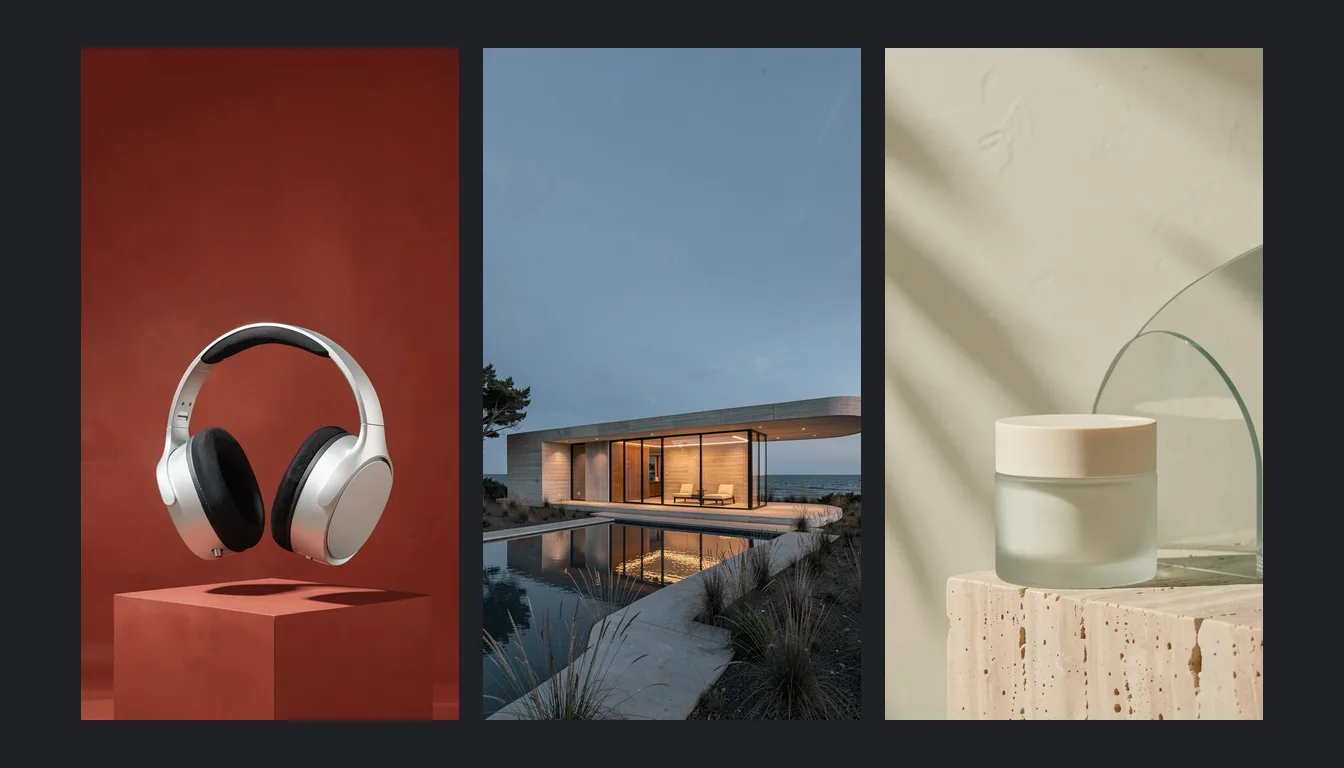
One direction delivered as 16:9, 4:5 and 9:16.
See it on this page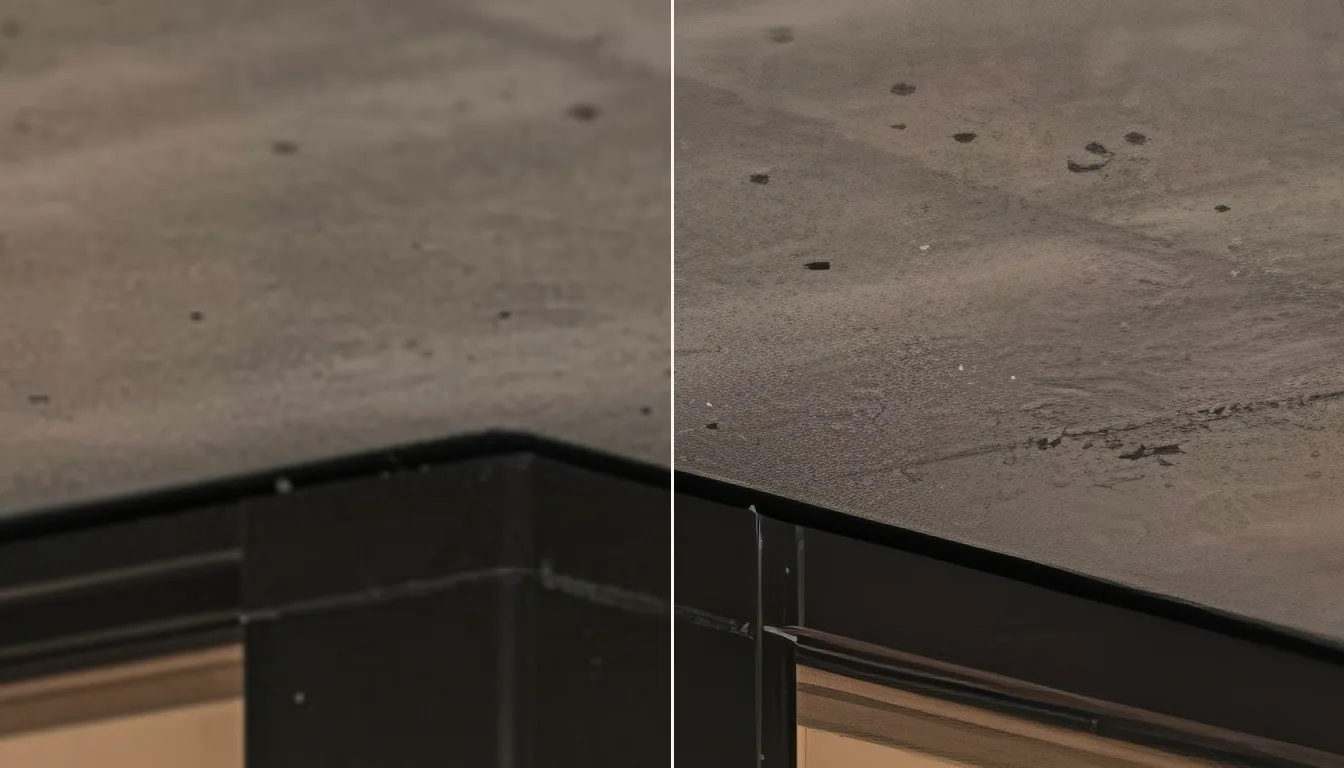
Left: a plain resize. Right: the upscale from the same file.
See it on this page01 / The possibilities
A direction worth exploring. Then the light, setting and composition to make it yours.
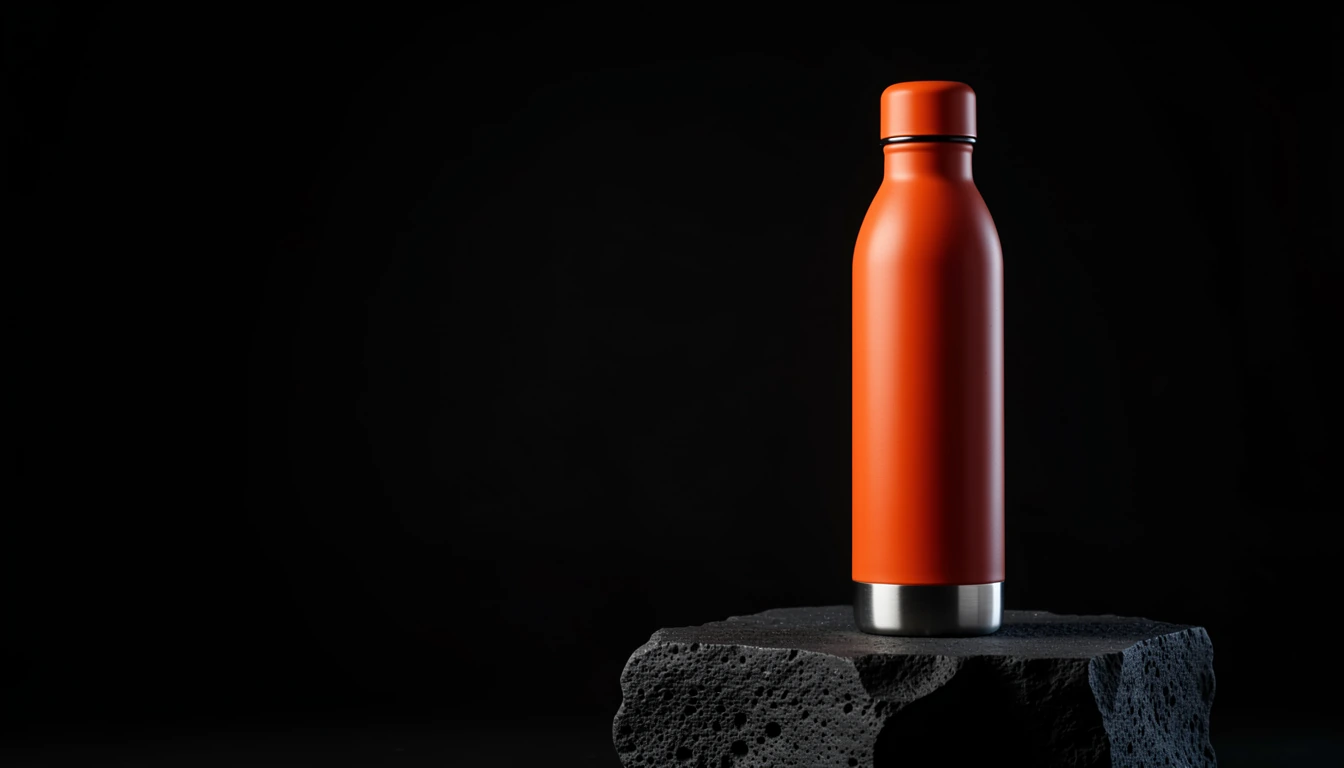
FORM / FIELD / Studio key visual
FORM / FIELD is an original Brightwork demonstration. The studio master anchors the reference-based coastal, glass and material studies. See the process for each image’s prompt and settings.
02 / The control
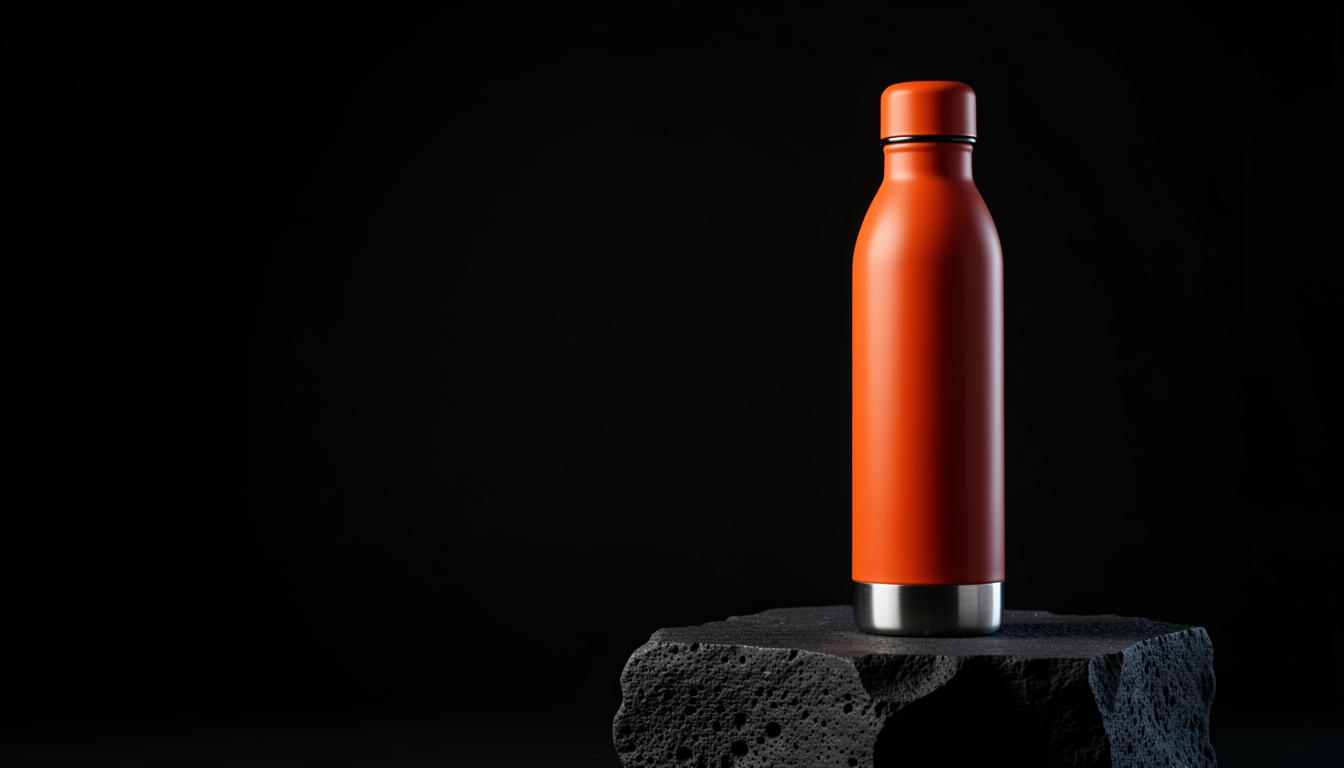
Explore a different setting, revise a detail or make room for the next format. Your team decides what survives the edit.
03 / The motion
Take a still into motion. Every campaign has a slow push, drifting mist and a camera move. Text-to-video is planned for a later demonstration.
04 / The agency payoff
A key visual, supporting images and motion. Finished for the places your campaign needs to go.
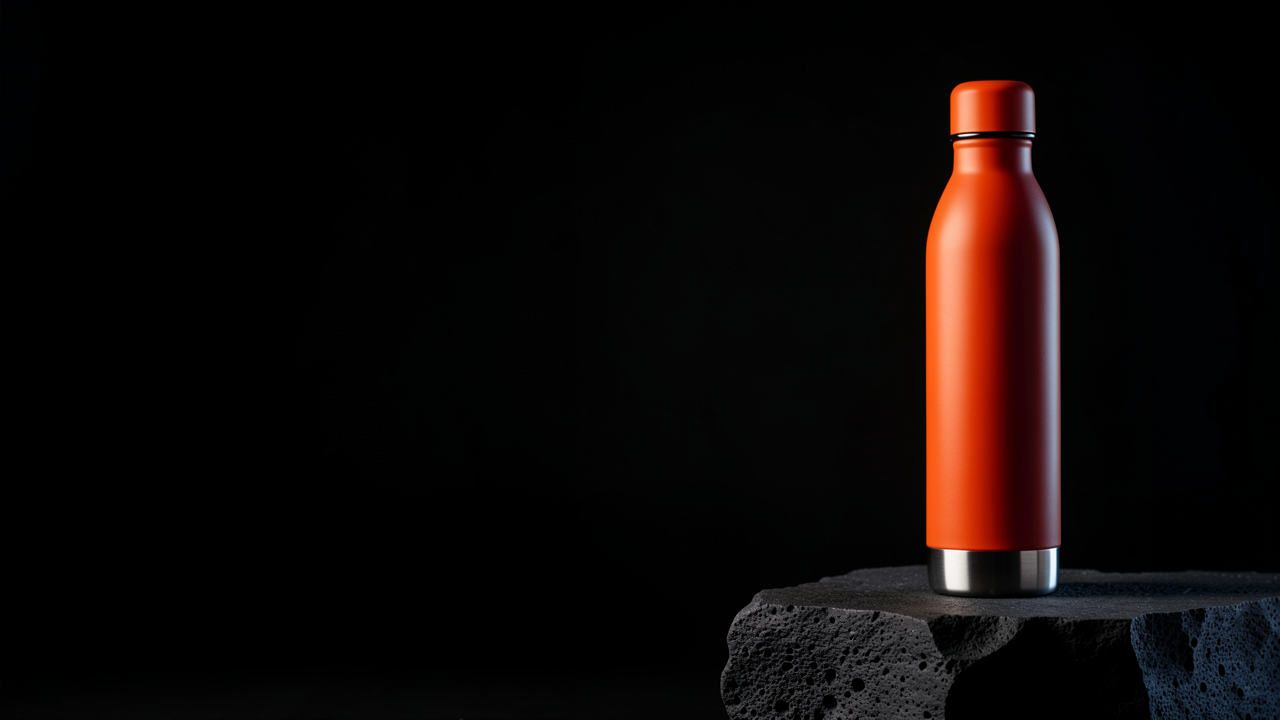
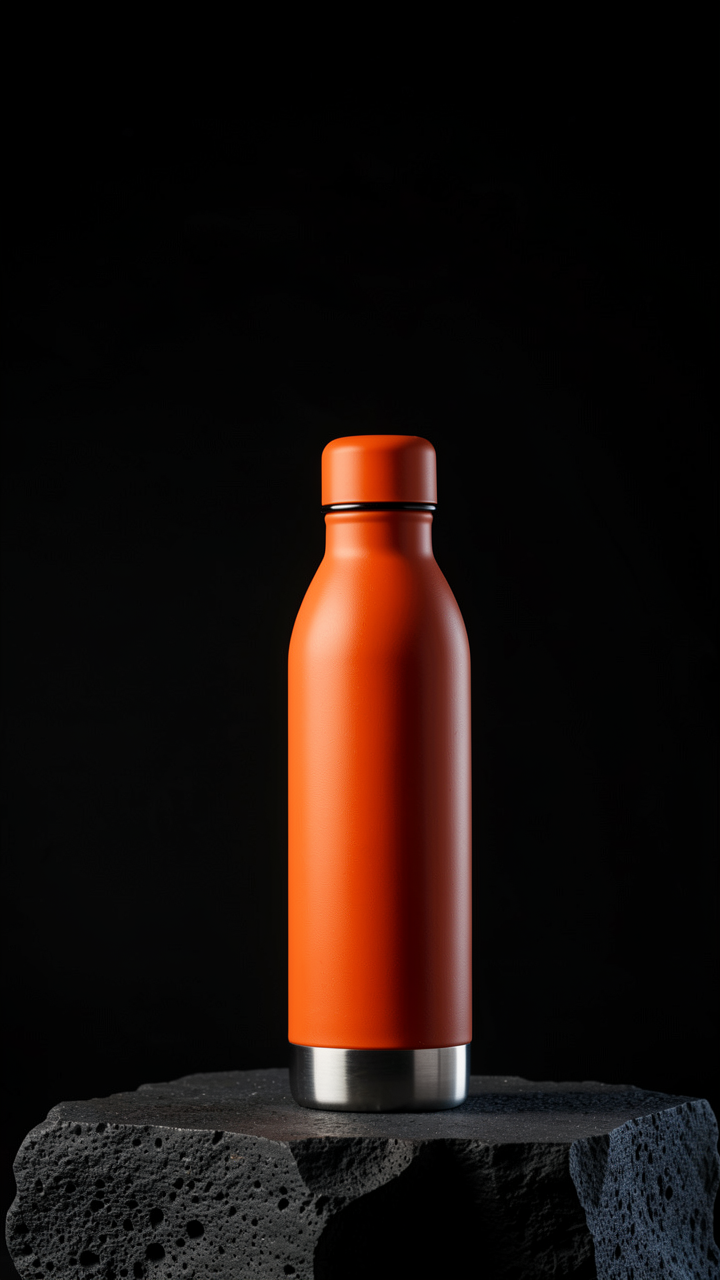
Three deliberately composed formats from one campaign. The source images, real expansion, native outputs and finishing records are retained.
05 / The difference
Cloud generation is good at being everywhere. A machine in your studio is good at being yours. Six differences a studio feels in the first month, each with its source.
Confidentiality
Prompts, reference images and outputs stay on your own disk. No public gallery, no licence to train on your work, no overseas processing.
Midjourney images are public by default; Stealth mode needs the Pro or Mega plan (US$60 and US$120 a month). Runway’s terms, updated 15 September 2026, say inputs and outputs “may be used by the Company to train and improve its AI models” under a perpetual, irrevocable licence. Checked : Midjourney terms (opens a new tab) · Midjourney plans (opens a new tab) · Runway terms (opens a new tab).
No meter, no queue
No credits, no Fast hours, no Relax queue, no monthly reset. The machine is busy only when your team is, and the fortieth variation costs the studio nothing more than the first.
Runway’s Standard plan includes 625 credits a month and Gen-4.5 video costs 12 credits a second, about 52 seconds of output. Midjourney’s unused Fast GPU time does not carry over to the next month, and the Basic plan has no Relax mode to fall back on. Checked : Runway plans (opens a new tab) · Midjourney plans (opens a new tab) · Midjourney GPU time (opens a new tab).
Consistency
Lock the product, the character and the light, then change everything else. Fixed seeds reproduce a frame exactly on the same machine, reference images hold the subject across shots, and a pinned model keeps next month’s frames matching this month’s. See the reference edit above.
Shy Kids, who made the Sora short Air Head, estimated about 300 to 1 source material to final cut and recoloured the balloon character between shots in After Effects. A Veo 3.1 user in March 2026: text-to-video “with no anchor — succeeds but produces different character each time, breaking continuity across shots”. Checked : fxguide (opens a new tab) · Google developer forum (opens a new tab).
Customisation
A LoRA taught from 15 to 30 of the client’s own product shots, ComfyUI workflows built around how your studio already works, any resolution or aspect ratio, and model files that sit on your disk for any tool to use. Nothing uploaded, metered or locked to one vendor’s app.
Adobe Firefly’s image models generate at up to 2K, and its Custom Models (public beta, 19 March 2026) train and generate on your plan’s credits inside Firefly. ComfyUI, which Brightwork installs, reports 4 million users and more than 60,000 community-built nodes. Checked : TechCrunch on Firefly (opens a new tab) · Adobe announcement (opens a new tab) · ComfyUI (opens a new tab).
Continuity
Model weights live on your disk and Brightwork pins the versions at handover. Nothing is retired, repriced or renamed by a vendor halfway through a client’s year.
OpenAI closed the Sora app on 26 April 2026 and the Sora 2 API on 24 September 2026 with no successor. Runway retired Gen-2 on 11 May 2025, Gen-3 Alpha on 8 July 2026 and Gen-3 Alpha Turbo on 30 July 2026, and is phasing out its Unlimited plan for the credit-based Max plan launched on 1 June 2026. Checked : OpenAI on Sora (opens a new tab) · Runway Gen-2 notice (opens a new tab) · Runway Gen-3 notice (opens a new tab) · Runway plan change (opens a new tab).
Your brief, your policy
Lawful commercial work in beauty, alcohol, medical, horror or political advertising is your studio’s call under your own written policy, not a filter’s. Brightwork records that policy at handover and installs nothing for prohibited content.
Adobe staff on Firefly, 3 January 2025: “Sometimes, if there’s any visible skin on the body, the AI might play it safe and assume it’s adult content.” Midjourney bars political campaign imagery and requires its Pro or Mega plan for any company over US$1,000,000 in annual revenue. Checked : Adobe community thread (opens a new tab) · Midjourney terms (opens a new tab).
Competitor facts are quoted from the linked pages on the date shown and may change. Brightwork publishes no speed or throughput figures of its own until they are measured on Brightwork machines, and the calculator below is a budget comparison, not a forecast.
06 / Your next investment
Every new direction takes experiments. Put repeatable work on your own hardware, give your team room to explore, and keep the cloud tools you value.
Explore PCs, servers and mini PCsPut your subscriptions in perspective
Three widely used creative platforms.
Choose the plans and subscriptions you pay for.
| Platform | Plan | Subscriptions | Official pricing |
|---|---|---|---|
| MidjourneyImage & video | GPU-time allowance; plan-dependent Relax generation. | Current plans for Midjourney (opens a new tab) | |
| RunwayImage & video | Generation credits; usage depends on model and output. | Current plans for Runway (opens a new tab) | |
| Adobe FireflyImage, video & audio | Generative credits; included features depend on plan. | Current plans for Adobe Firefly (opens a new tab) |
Enter a whole number from 0 to 100 for each subscription count.
US$0.00 / month
US$0.00 / year at these monthly rates
$0.00 / month, estimated in AUD
Prices checked . USD list prices with monthly billing. Excludes tax, extra credits and team contracts; annual rates and offers may differ. Check the official plans for current pricing and eligibility.
A few subscriptions can be good value. The case for local grows with repeatable work, shared capacity and control. Compare results and total ownership costs: local workflows use different models.
Your monthly AI budget
Start with the selected plans above, or set your own monthly spend for the tools you use. Explore how much of that budget you could put towards your own local AI setup.
Use the slider for any AI tools, subscriptions or extra credits you pay for.
Using your selected plans above.
Selected plans use an estimated conversion of US$1 = $1.440 AUD. Rate checked 17 October 2026 ↗. Excludes tax and card conversion fees.
$0.00 a year on cloud tools
$0.00
spent over 24 months
$0.00 is your budget to compare with a local setup.
Compare that with the complete cost of ownership over 24 months: hardware, installation, electricity, software and support. Only count subscriptions or credits you would actually stop buying.
Installation from $2,739 including GST, plus hardware. This is a budget comparison, not a savings forecast. Totals use your monthly amount. Include other tools and extra credits by adjusting the slider.
07 / Your next capability
Request a demonstration or tell us about the setup you need. We’ll review your request and agree the next step with you.
Your fixed written quote covers the agreed job, with hardware, licences and travel itemised where applicable. Complete-PC prices depend on configuration. Brightwork receives payment upfront before ordering hardware and building.
Send your request to Brightwork. We’ll review the details and reply by email about the next step.