Image generation
- FLUX.1 & FLUX.2Image generation workflows.
- Stable DiffusionIncluding SDXL and SD3.5.
- Qwen-Image & Z-ImageAdditional image generation families.
01 / Built around your work
A PC for your desk. A server for your team. A mini PC for a smaller space. We specify, build and install the machine that fits the way you work.
01 / Studio PC
Build, edit and generate on one machine. A custom PC brings local AI into the same workspace as your design, video and production tools.
The demonstrations used FLUX.2 on an RTX 4080 workstation and MiniMax H3 on an RTX 3090 workstation. The production records retain settings, native outputs and measured generation times. Your build is specified around the models, output sizes and turnaround your studio needs.
02 / Multi-GPU server
Give your team a shared engine for image generation, video and batch work. We build servers with multiple graphics cards, so supported jobs can run across dedicated GPUs.
GPU count, model support and memory needs are planned together. We match the chassis, power and cooling to the installation, with room to expand where the platform allows.
Plan my server03 / Mini PC
Keep your desk clear and put a compact machine to work. Mini PCs suit everyday studio tasks, automation and selected local models—or act as the desk-side connection to a shared GPU server.
We select the platform around the task. Heavy image and video generation can stay on a dedicated workstation or server while the mini PC gives you a compact place to work.
Plan my mini PCComfyUI connects models and production steps into reusable workflows. These are supported model families we can assess for your studio. The FORM / FIELD demonstration includes locally generated images, reference edits, image-to-video and an upscale. Every demonstration film on this site carries a soundtrack generated locally with ACE-Step. We select and test the models that suit your hardware and the work you want to produce.
Demonstrated workflows, with model-specific limits. The exact model variant, workflow, hardware and licence determine what a setup can do. Image-to-video and text-to-video modes vary by model. We confirm suitability with your job before recommending a setup. This list covers locally runnable model families; ComfyUI’s cloud API integrations are separate.
02 / Built for your studio
Custom PCs, multi-GPU servers, mini PCs and local AI workflows for the way you work. Clear starting prices. A fixed written quote for the complete job.
Request a hands-on demonstration. Ivan verifies your agency and approves a booking.
We specify the hardware and itemise the complete job in a fixed written quote.
Brightwork invoices and receives payment upfront before ordering hardware and building your machine.
Get access to Brightwork’s AI training videos for your installed software and workflows.
Supported workflows, tested on your setup. Bespoke workflow development, including music and soundtrack workflows, is quoted separately. Training videos are included; live training sessions are not included by default.
See how it fits
After agency verification and booking approval, join Ivan on a video call. Temporary browser access lets you try approved workflows on Brightwork’s machines.
Request a hands-on demonstrationCustom testing beyond the demonstration can be quoted separately.
Send a demonstration request and we’ll contact you to verify the agency and arrange a time. Your booking and temporary access are confirmed separately.
| Service | Starting price / rate |
|---|---|
| PC specification, assembly & testingBrightwork specifies and supplies your hardware. | From$654.50+ hardware |
| AI software installationFour supported workflows and access to training videos. | From$2,739 |
| Custom workflow developmentBespoke work, including music and soundtrack workflows, scoped and quoted separately. | From$1,089 |
| Workstation / server upgradesParts itemised for the agreed upgrade. | $214.50/ hour + parts |
| PC maintenanceAvailable only for PCs built by Brightwork. | $214.50/ hour |
Prices above cover the listed service. Hardware, parts, licences and travel are itemised in your written quote where required. PC, server and mini PC builds are quoted for the selected configuration. We agree the complete price and scope before you pay. Hardware orders and builds begin after upfront payment.
In-person installation across Gold Coast, Brisbane and Sunshine Coast. Remote setup elsewhere. Further travel is available when you pay the agreed travel costs.
Training videos cover your installed software and workflows. Maintenance is available only for Brightwork-built PCs.
Your written quote sets out the handover checks, included adjustment rounds and follow-up support period before work begins. Support covers the agreed installed setup. New workflows, added features and later upgrades are quoted separately before work starts.
03 / Who builds it
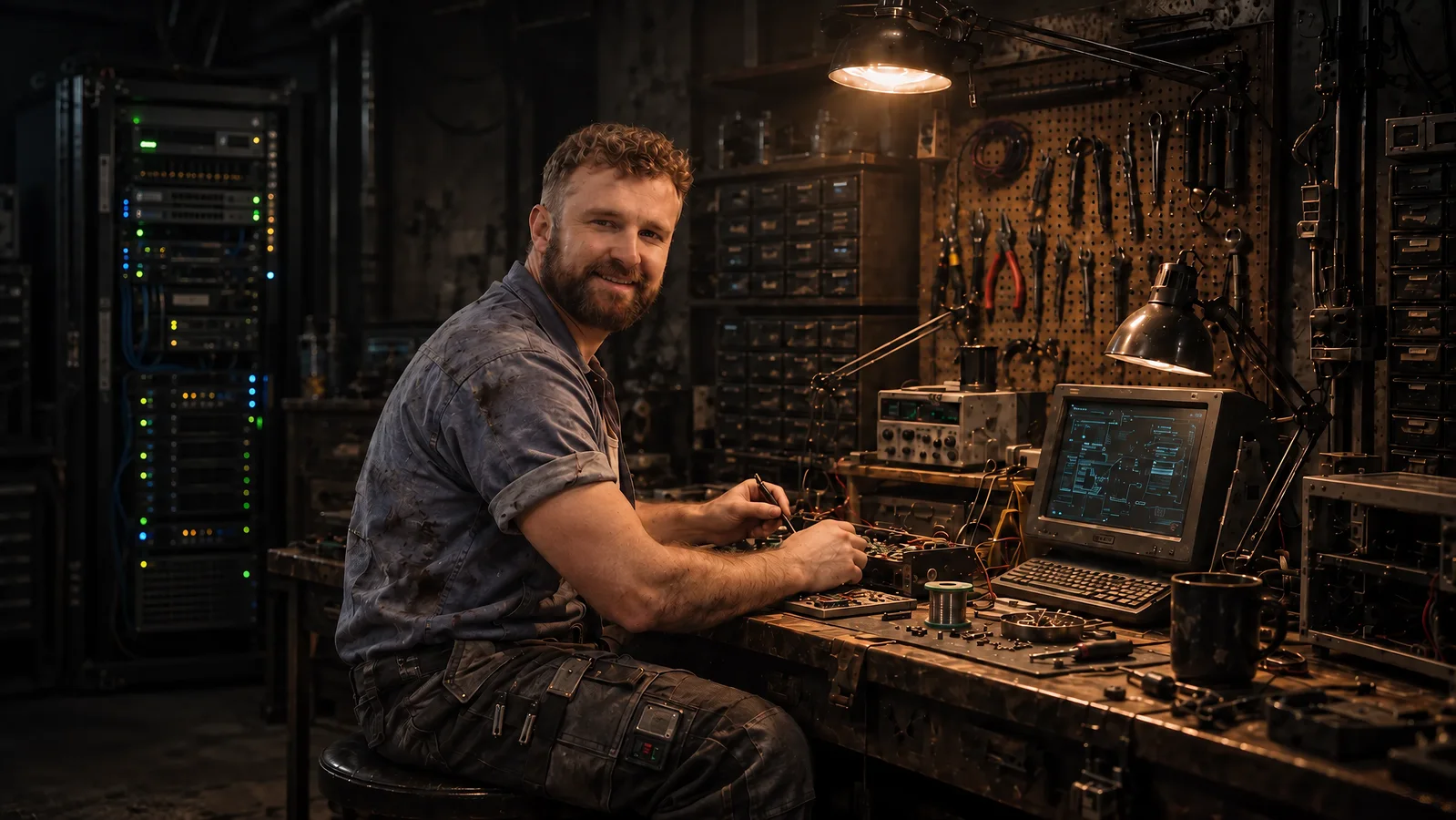
I’m Ivan. Brightwork brings together the technical setup and the creative process it needs to serve.
Brightwork takes its name from the polished fittings on a well-kept vessel. Here, it means attention to the parts that make a system useful: setup, clear instructions, careful review and dependable handover.
Try approved workflows with me on a video call. Then get a fixed written quote for the setup your studio needs.
About BrightworkYour next step
Request a hands-on demonstration, or tell us about the setup your studio needs.