Writing and reasoning
- QwenDense and mixture-of-experts sizes.
- gpt-ossOpenAI’s open-weight models, in 20B and 120B sizes.
- Llama, Mistral & DeepSeekFurther open-weight families.
01 / Built around your work
A workstation for one desk. A server for the whole office. A mini PC for a smaller space. We specify, build and install the machine that runs the language models your team needs.
01 / Workstation
Draft, read, search and summarise on one machine. A workstation runs language models beside the tools your team already uses, and keeps your documents on hardware you own.
The Office demonstrations ran on one RTX 3090 with 24 GB of graphics memory: Qwen3.8-27B for the writing and reading, Whisper large-v3 for the transcript and nomic-embed-text for the file search, each loaded in turn with every layer on the graphics card. The records keep every prompt, setting and output. Your build is specified so the models you need fit in graphics memory.
02 / Multi-GPU server
Give the whole office one engine for drafting, search, transcription and automation. Graphics memory largely decides how large a model can run, so a multi-GPU server is where the larger open models live, shared by everyone on your network.
GPU count, model support and memory needs are planned together. We match the chassis, power and cooling to the installation, with room to expand where the platform allows.
Plan my server03 / Mini PC
Keep your desk clear and put a compact machine to work. Mini PCs suit drafting, transcription and everyday automation, and with 128 GB of shared memory they load larger models too. Or use one as the desk-side connection to a shared GPU server.
We select the platform around the task. Larger models stay on a dedicated workstation or server while the mini PC gives you a compact place to work.
Plan my mini PCA local model server such as Ollama or llama.cpp runs the models, and your team reaches them from a private interface on your network. These are open-weight model families we can assess for your office. We select and test the models that suit your hardware and the work you want done.
Demonstrated workflows, with model-specific limits. The model, its size, its licence and your hardware decide what a setup can do. Larger models need more graphics memory, and smaller models make more mistakes. We confirm suitability with documents like yours before recommending a setup. This list covers locally runnable model families; cloud model services are separate.
02 / Built for your office
Workstations, multi-GPU servers, mini PCs and local AI workflows for the way your office works. A fixed written quote for the complete job.
Request a hands-on demonstration. Ivan verifies your business and approves a booking.
We specify the hardware and itemise the complete job in a fixed written quote.
Brightwork invoices and receives payment upfront before ordering hardware and building your machine.
We test the agreed workflows on your machine and document the setup. Your quote states what training is included.
Supported workflows, tested on your setup with documents like yours. Data extraction, customer replies, translation, coding help and automations are bespoke workflows, scoped and quoted separately.
See how it fits
After business verification and booking approval, join Ivan on a video call and try approved workflows on Brightwork’s machines, with documents you’re comfortable sharing.
Request a hands-on demonstrationCustom testing beyond the demonstration can be quoted separately.
Send a demonstration request and we’ll contact you to verify your business and arrange a time. Your booking and temporary access are confirmed separately.
| Service | Starting price / rate |
|---|---|
| PC specification, assembly & testingBrightwork specifies and supplies your hardware. | From$654.50+ hardware |
| Office AI installationFour supported workflows, installed and tested on your machine. | From$2,895.75 |
| Custom workflow developmentBespoke work scoped and quoted separately. | From$1,089 |
| Workstation / server upgradesParts itemised for the agreed upgrade. | $214.50/ hour + parts |
| PC maintenanceAvailable only for PCs built by Brightwork. | $214.50/ hour |
Prices above cover the listed service. Hardware, parts, licences and travel are itemised in your written quote where required. PC, server and mini PC builds are quoted for the selected configuration. We agree the complete price and scope before you pay. Hardware orders and builds begin after upfront payment.
In-person installation across Gold Coast, Brisbane and Sunshine Coast. Remote setup elsewhere. Further travel is available when you pay the agreed travel costs.
Your handover covers the installed models and workflows. Maintenance is available only for Brightwork-built PCs.
Your written quote sets out the handover checks, included adjustment rounds and follow-up support period before work begins. Support covers the agreed installed setup. New workflows, added features and later upgrades are quoted separately before work starts.
03 / Who builds it
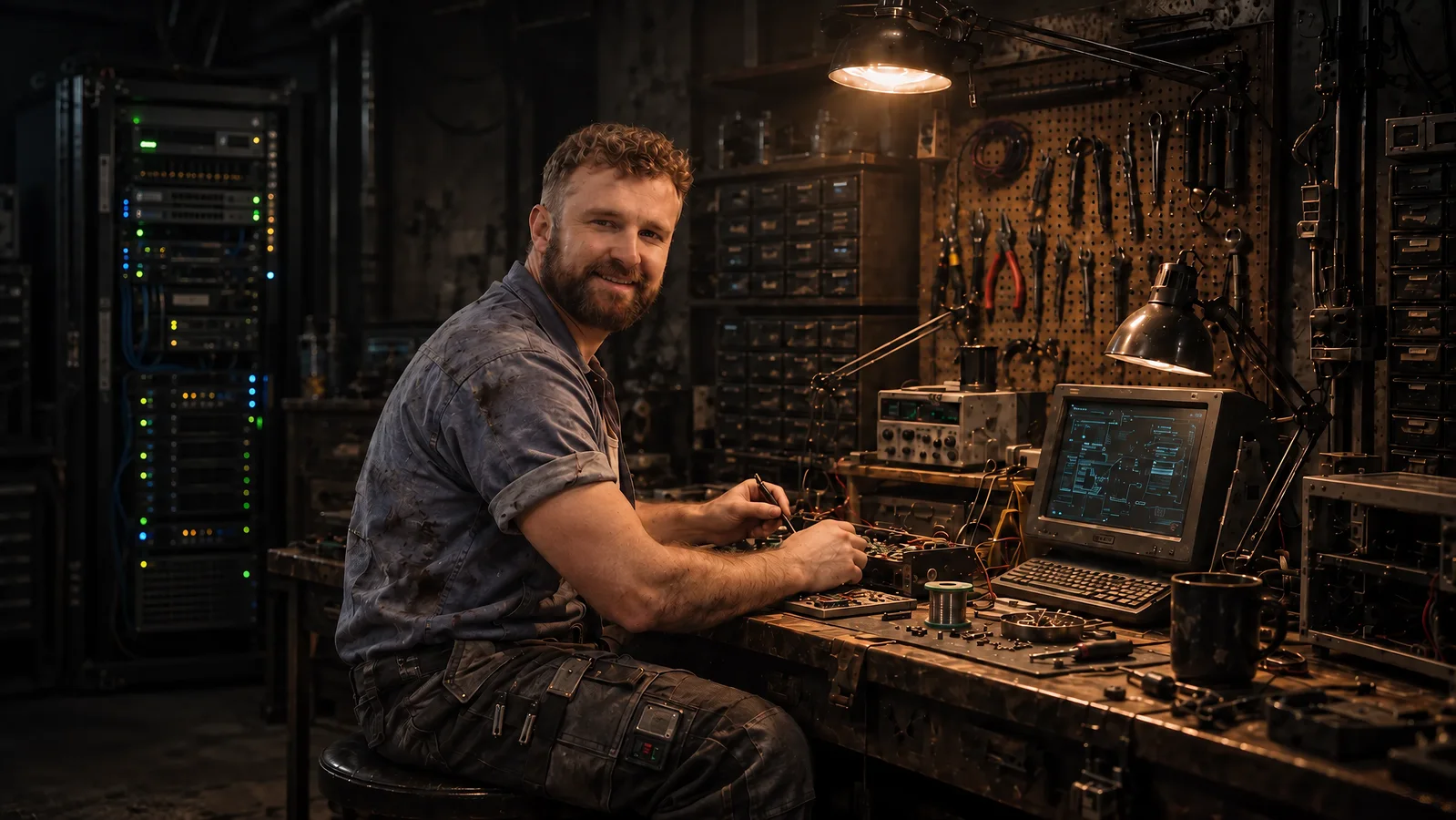
I’m Ivan. Brightwork brings together the technical setup and the work it needs to serve.
Brightwork takes its name from the polished fittings on a well-kept vessel. Here, it means attention to the parts that make a system useful: setup, clear instructions, careful review and dependable handover.
Try approved workflows with me on a video call. Then get a fixed written quote for the setup your office needs.
About BrightworkYour next step
Request a hands-on demonstration, or tell us about the setup your office needs.